
An elegant Material-Design theme for Hexo


中文简体 | English
Docs: Theme Guide Post Front-matter
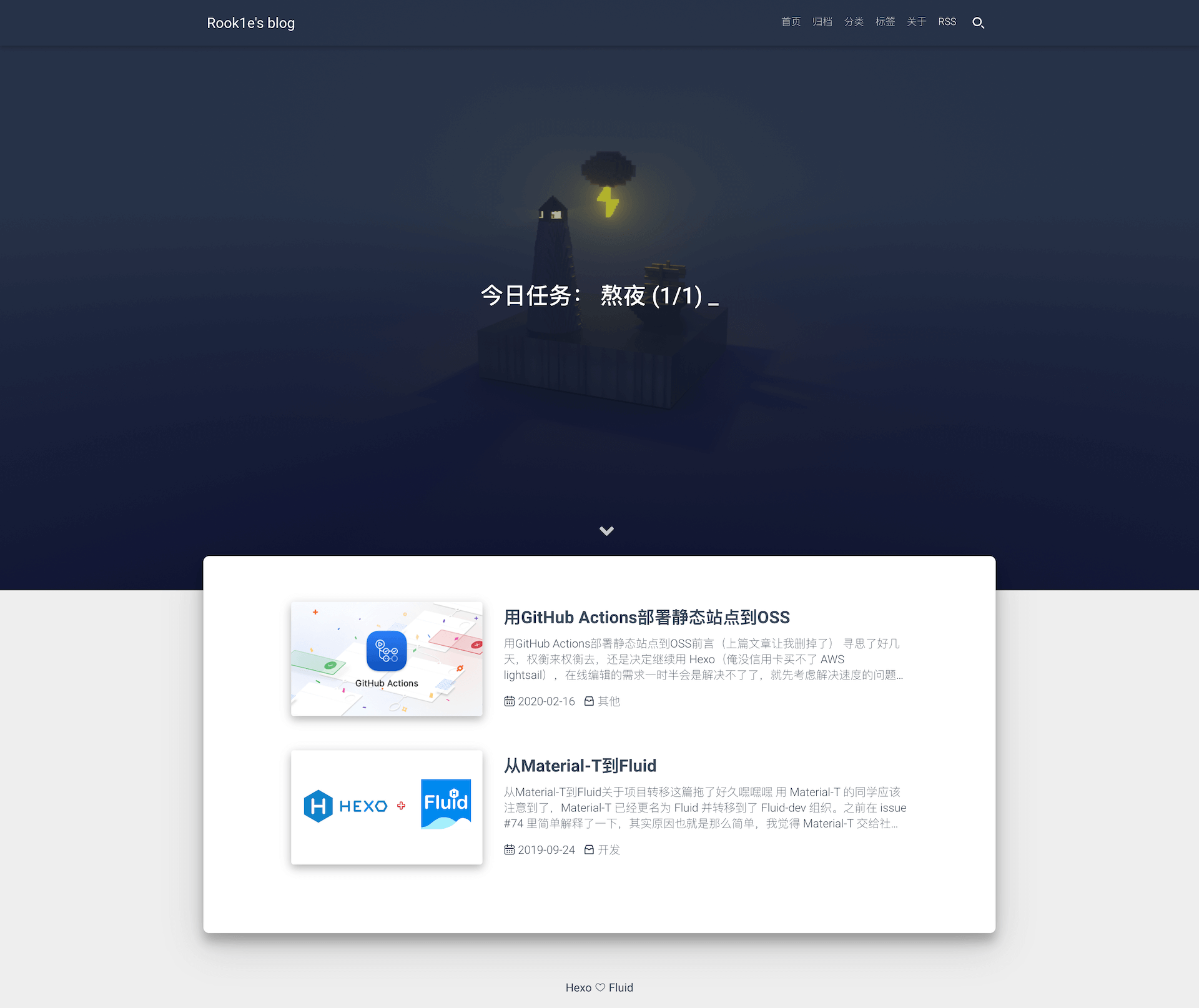
Demo: Rook1e's blog zkqiang's blog EatRice's blog
## Quick Start #### 1. Install Hexo If you don't have a hexo blog, please follow [Hexo Docs](https://hexo.io/docs/) to install and initialize your blog。 #### 2. Download Theme Please download the [latest release](https://github.com/fluid-dev/hexo-theme-fluid/releases) first, or the master branch can't guarantee stability. After downloading, extract it to the themes directory and rename it to `fluid`. #### 3. Set theme Edit `_config.yml` in the blog root directory as follows: ```yaml theme: fluid ``` #### 4. Create About Page Since v1.7.0, the about page needs to be created manually: ```bash $ hexo new page about ``` Then edit `/source/about/index.md` and add `layout` attribute. The modified file example is as follows: ```yml title: about date: 2020-02-23 19:20:33 layout: about --- You can write the content here Support Markdown, HTML ``` ## Features - [x] Img lazyload - [x] Custom code highlighting scheme - [x] Internationalization - [x] Support for multiple comment plugins - [x] Support for storing configuration in [Data Files](https://hexo.io/docs/data-files.html) - [x] Custom static resource CDN - [x] Built-in search plugin - [x] Website analysis - [x] Support for LaTeX - [x] Music player ## FAQ #### Code highlighting exception - Please confirm that the above "Turn off default highlighting" step has been completed. - Try "clean" command: `hexo clean && hexo g` `hexo clean && hexo g` #### Configuration cannot take effect - Please check if the configuration file conforms to the yml syntax, such as spaces after the colon, 2 spaces for indentation, etc. ## Contributors [](https://github.com/fluid-dev/hexo-theme-fluid/graphs/contributors) English docs translator:[@EatRice](https://eatrice.top/) [@橙子杀手](https://ruru.eatrice.top) Contributors outside PR:[@zhugaoqi](https://github.com/zhugaoqi) [@julydate](https://github.com/julydate) ## Feedback - WeChat: After the scan, add, **reply "fluid"** (in chat reply, not request note) automatically pull you into the group