


An arctic, north-bluish clean and elegant iTerm2 color scheme.
Designed for a fluent and clear workflow based on the Nord color palette.
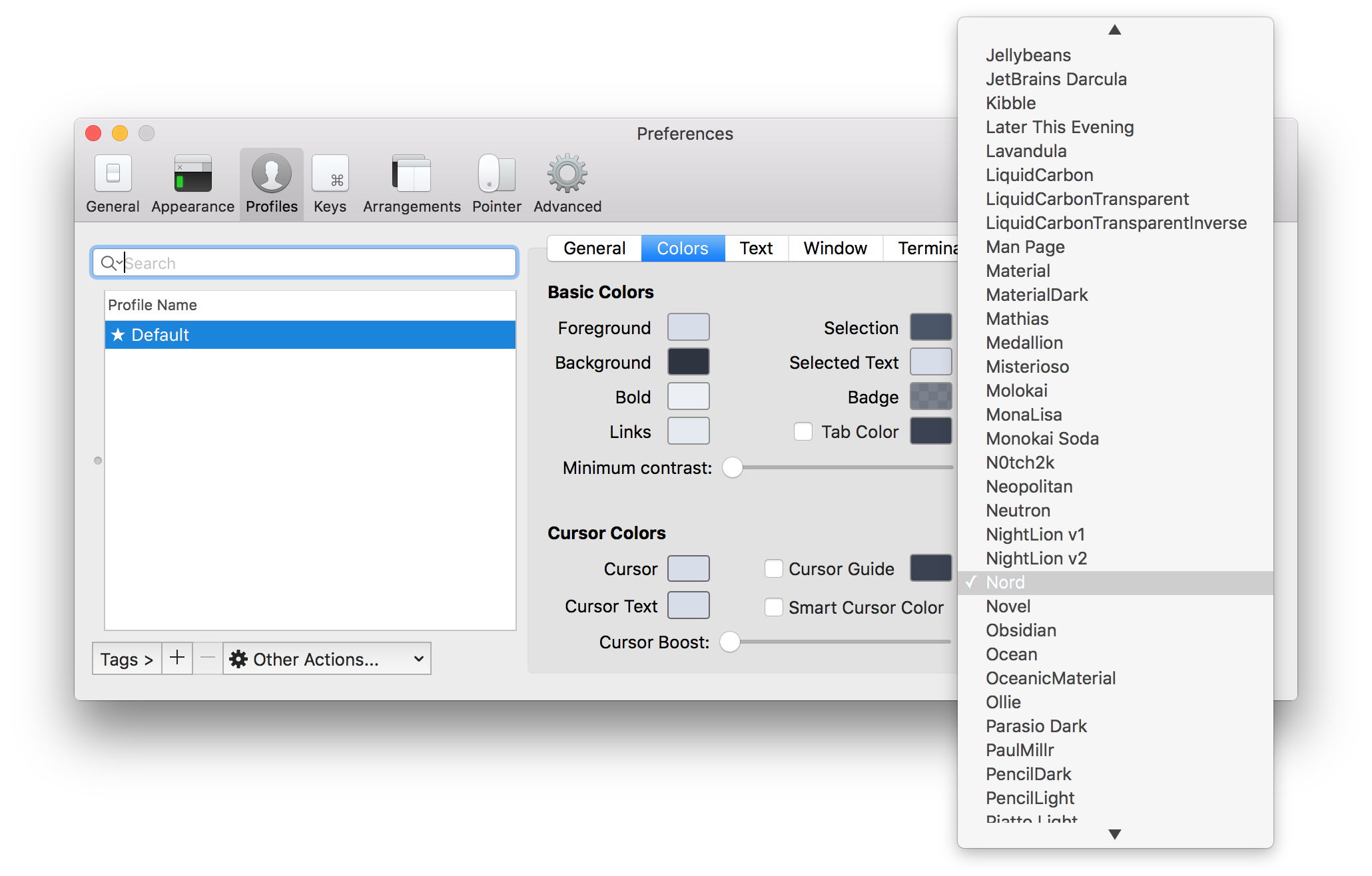
## Getting started ### Installation [Download](https://github.com/nordtheme/iterm2/releases/latest) the latest [`Nord.itermcolors`](https://github.com/nordtheme/iterm2/blob/develop/src/xml/Nord.itermcolors) file from the GitHub repository and import it: 1. Start iTerm2 and open the _Preferences_ 2. Switch to the _Profiles_ tab located in the topbar 3. Select the _Colors_ tabs on the right side 4. Click on the _Load Presets_ drop-down menu and select the _Import_ entry 5. Import the downloaded `Nord.itermcolors` file and import it ### Activation 1. Start iTerm2 and open the _Preferences_ 2. Switch to the _Profiles_ tab located in the topbar 3. Select the _Colors_ tabs on the right side 4. Select an existing profile from the profile list window on the left or create a new profile 5. Click on the _Load Presets_ drop-down menu and select `Nord`
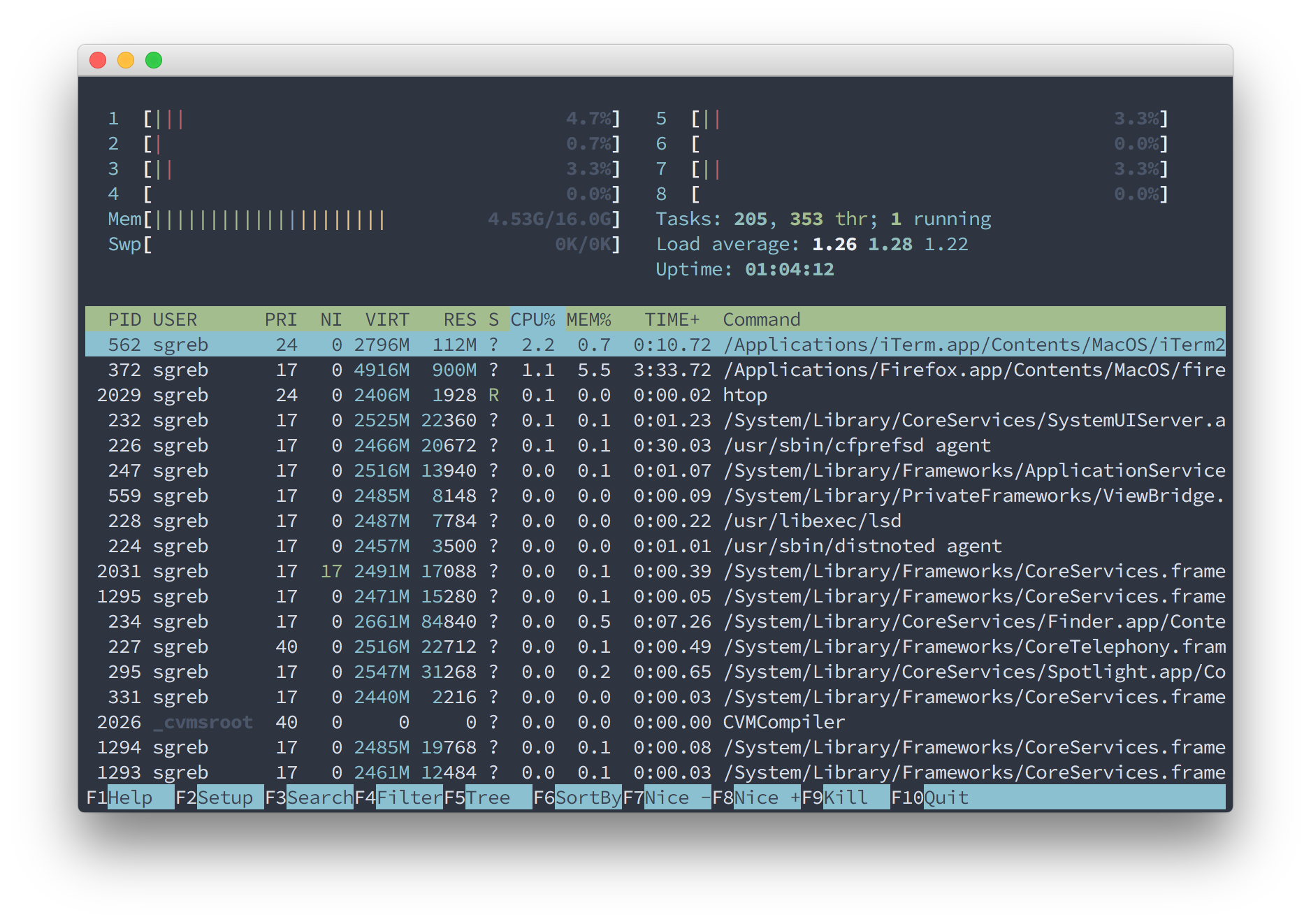
htop

Copyright © 2016-present Sven Greb

